13 Hidden MacBook Features to Try Today

13 Hidden MacBook Features to Try Today

MacBooks offer a lot more than just a sleek exterior and sharp display. Some of its handy features are often overlooked, but once utilized can change the way users look at MacBooks and carry out daily tasks. Certain features can enhance users’ workflows, streamline tasks, and help them unlock new levels of efficiency. So, here are a few hidden features one should know to get the most out of their MacBook:

1. Spotlight Search
Spotlight Search goes beyond the basic file search function. It allows users to quickly launch applications, perform calculations, and even find information from the web. By pressing Command + Spacebar, users can access Spotlight to look for relevant information and applications. In addition to its search capabilities, Spotlight can perform currency conversions, provide weather updates, and offer word definitions.

2. Multi-touch gestures
The MacBook touchpad supports an array of gestures, providing an intuitive means to interact with the laptop interface. For instance, a three-finger swipe upward shows all open applications in Mission Control, while a four-finger swipe to the left or right allows users to switch between desktops seamlessly. Familiarizing oneself with these gestures can significantly enhance navigation speed and efficiency.

3. Customizable trackpad options
By clicking on System Preferences > Trackpad or Mouse > More Gestures, one can find a plethora of customization options. Users can fine-tune the sensitivity, adjust the click pressure, and even enable tap-to-click for a personalized experience. These customizations ensure the trackpad responds precisely to individual preferences, optimizing comfort and usability.

4. Preview
Preview is another versatile tool that is more than just a PDF viewer. It enables users to annotate, edit, and even combine PDFs as well as add text, shapes, and signatures, and reorganize pages effortlessly. Additionally, Preview can handle various image formats other than PDF, making it an indispensable companion for document management.

5. Text replacement
Text Replacement can be a game-changer for users. In Keyboard settings, one can find this feature, which allows users to create custom shortcuts for longer phrases or even complex symbols. For example, setting an abbreviation like “omw” to expand into “On my way” can save considerable typing time in the long run.

6. Dictation
MacBooks are equipped with a robust built-in dictation feature. By pressing the “Function” key (or a customizable shortcut), users can dictate text on any application. This is particularly useful for hands-free typing or for those who prefer speaking over typing.

7. Time Machine
While not entirely hidden, Time Machine is one of the features that remain underutilized by Mac users. This is a built-in backup solution that ensures users never lose their important files. By connecting an external drive, users can set up automated backups that safeguard their data against unexpected events.

8. Emoji and special characters
Quick access to emojis and special characters can add flair to communications. Pressing Control + Command + Spacebar opens an emoji keyboard, while Option + Shift + (Character) reveals various special characters. This is a time-saving feature for those who frequently use symbols and emojis in their communication.

9. Terminal commands
For users comfortable with the command line, the Terminal offers a plethora of powerful tools and customization options. One can find Terminal using Spotlight. From modifying system behaviors to advanced troubleshooting, the Terminal provides unprecedented control over the MacBook’s operating system.

10. Gestures for desktop management
In addition to application gestures, MacBook trackpads also offer desktop management gestures. For instance, spreading four fingers on the trackpad opens Exposé, displaying all open windows for easy selection. This can greatly enhance efficiency when working with multiple applications simultaneously.

11. Quick desktop cleanup using Stacks
For users with too many files on their desktops, Stacks is a hidden gem. By right-clicking on the desktop and selecting “Use Stacks,” the system automatically organizes files into neat stacks based on file type. This keeps the desktop clutter-free and makes finding files a breeze.

12. Screenshots and annotations
The screenshot tool on MacBooks offers more than meets the eye. Pressing “Command + Shift + 5” gives users access to a suite of screenshot and screen recording options. Additionally, the Markup tool provides powerful annotation capabilities, allowing users to add text, shapes, and even their signature to screenshots.

13. Quick Look
In Finder, users can select a file and press the spacebar to activate Quick Look. This provides an instant preview of the file’s contents without the need to open an application. It is a time-saving feature for quickly checking documents, images, and even audio or video files.

Finding the best deals
With the Black Friday sale just around the corner, one can look for deals on MacBooks and other Apple products if they are considering an upgrade. In addition to MacBooks, Mac Mini with M2 Pro and Mac Pro with M2 Ultra may be popular picks this year. Here, it is important to look at last year’s Black Friday deals and early bird discounts to understand what one can expect:

– The 14-inch MacBook Pro carried a $200 discount last Black Friday at B&H Photo.
– The 16-inch MacBook Pro carried a $400 discount last year on Amazon.
– Recently, the 15.3-inch MacBook Air (M2) with 256 GB storage was on sale, offering buyers up to 19% savings on their purchase
– For those looking for Mac desktops, Costco had earlier offered the Mac Mini M1 chip at a $130 discount. The Mac Mini came with 8GB RAM and 256GB SSD.
– Additionally, early-bird deals worth considering are B&H Photo’s $70 and $100 discounts on the M2 Mac mini and Mac Mini with M2 Pro, respectively.
– One can look up Best Buy deals on Mac Studio with M2 Ultra and M2 Max and save $200 on their purchase depending on the availability.
Featured Articles

Avoid these five mistakes while using vacuum cleaners
home and garden

Avoid these five mistakes while using vacuum cleaners

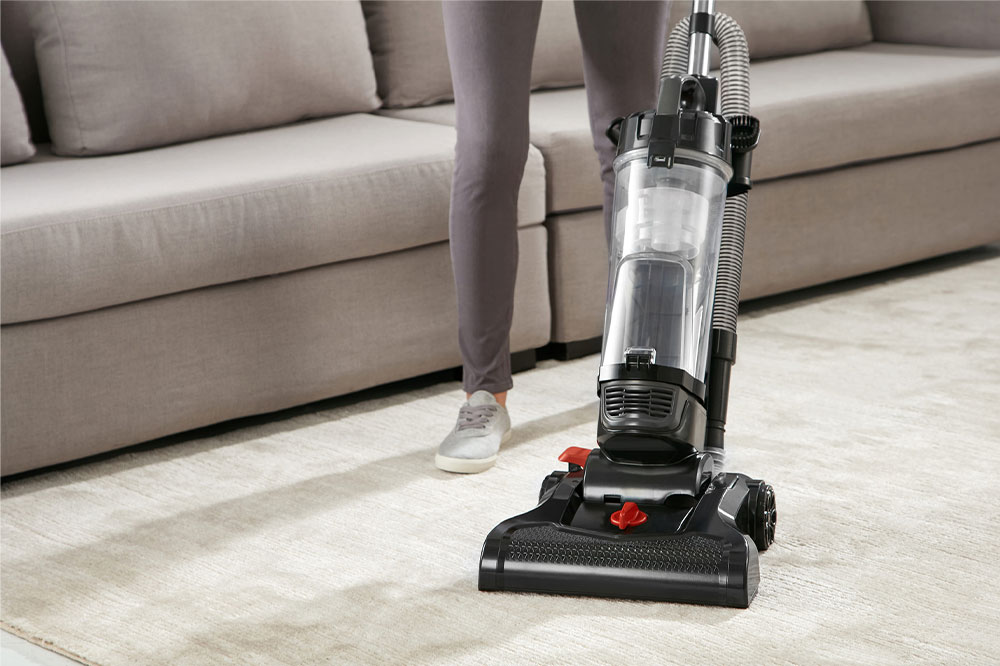
Today, most American households have a vacuum cleaner. But not everyone knows how to use the appliance properly. Many people misuse their vacuum cleaners, which interferes with the machine’s ability to clean properly and causes it to stop working prematurely. Fortunately, most of these mistakes are avoidable, regardless of the type of vacuum cleaner one owns. This article points out some common mistakes vacuum owners make and explains how to avoid them. Not emptying the dust bag on time If you operate a vacuum cleaner while its dust container is full, the appliance will not pick up dirt and dust as effectively as it used to. Plus, the airflow within the vacuum will get restricted, causing the motor to overheat, decreasing the appliance’s longevity. To avoid this, empty the dust bag well before it’s full or after every use. Incorrectly assuming the motor is broken If your vacuum cleaner suddenly stops working while you’re cleaning, that doesn’t necessarily mean its motor is gone for good. Oftentimes, vacuum cleaners shut off automatically as soon as the motor overheats to prevent a hazardous incident. The motor usually overheats when the dust bag is full, or hair or fiber gets entangled in the brush roll.
5 things to never vacuum
home and garden

5 things to never vacuum

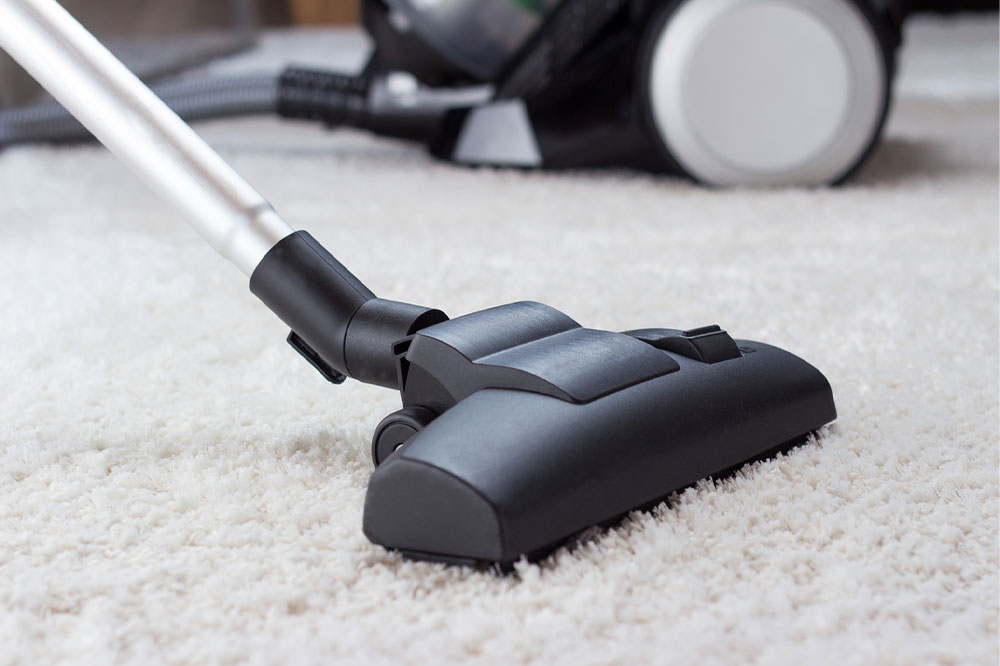
Most individuals rely on their vacuum cleaners to help clean floors, carpet, tiles, sofas, upholstery, and sometimes even hardwood. Though the vacuum cleaner is a versatile tool, you may be relying a little too much on it for cleaning, ending up vacuuming things you probably shouldn’t. After all, they are not indestructible and undoubtedly not always cheap. In order to keep them in good working condition, you should never vacuum the following things. Used coffee grounds Those who drink coffee are probably aware of how tough it is to clean coffee grounds from the machine. But don’t leave the cleaning duty for the vacuum. They can block the pipes, destroy the motor, and result in the growth of mildew inside the vacuum. For dry grounds, pick them with a dustpan and brush. If they are wet, clean them with a paper towel or washable microfiber cloth. You can even use coffee grounds to make compost. Wet foods Dry foods like salt or sugar spills can be cleaned with a vacuum. But fresh foods like salads or baked beans should not be vacuumed. Wet foods can clog the pipes and ruin the motor because of the moisture they contain. Sometimes, the food you vacuumed may even start to smell bad.
11 ways to keep the indoor air quality clean
home and garden

11 ways to keep the indoor air quality clean

The air in our homes is not perpetually clean. There are many chemicals, harmful gases, dust, and other airborne allergens that degrade the air quality in your home. These pollutants often stem from external factors and even the appliances you use at home. Furthermore, such pollutants can deteriorate health and trigger several health problems when inhaled. Therefore, here are 11 ways to keep the indoor air quality in your home clean. Open the windows Opening the window will let oxygen in and remove any harmful toxins in the air. It can even help keep the room breezy in the summers. Do not use aerosol sprays Aerosol sprays release harmful chemicals into the air. So you must use non-aerosol versions when it comes to hair sprays, furniture polish, and deodorants. Mop hard floor surfaces Mopping surfaces made from hardwood, vinyl floors, tile, or other toughened materials with a disinfectant will keep your home free of allergens. Inspect the air vents HVAC systems filter out harmful substances from the air to keep the atmosphere inside your room clean. Clean such air vents periodically to ensure they are working properly. Use exhausts Moisture in your home can lead to mildew, bugs, bacteria, and mold.
5 vacuuming mistakes to avoid
home and garden

5 vacuuming mistakes to avoid

Most households today have vacuum cleaner as they are one of the most important cleaning tools. But not everyone uses the appliance properly. Improper use and handling of vacuum cleaners can result in its malfunctioning and reduction in shelf life. This can lead to replacing it with a new one and the cycle repeats without realizing that all a vacuum cleaner need is some TLC. So, avoiding these 5 mistakes will ensure a vacuum cleaner’s longevity. Using the wrong attachment Vacuum cleaners come with variety of attachments including crevice tools, dusting brushes, and other extension tools to reach inaccessible corners and ceilings. Using these attachments on the wrong surfaces will not only make vacuuming tedious, but it may also damage the cleaning tools. Vacuuming with a filled dust bag or canister This is one of the common mistakes made while using a vacuum cleaner. Not emptying the vacuum cleaner’s dust collection bag or canister can reduce the suction power and even put load on the motor. This can decrease the longevity of the vacuum cleaner. Some vacuum cleaners come with ‘check/change bag’ indication. So, make sure to empty the bag as soon as it is full. Vacuuming hard objects Although vacuum cleaners have a powerful motor, they are made to suck in dust and debris.

Top Articles

4 home renovation mistakes that should be avoided
home and garden

4 home renovation mistakes that should be avoided

People renovate their homes to improve the functionality of the space. Some people also renovate to change the aesthetic of their house and give it a new look. In either case, home renovations can be exciting and exhausting at the same time. It is a lengthy process that requires your utmost attention. That being said, things can go wrong; home renovation mistakes can cost you your time, money, and effort, and therefore, should be avoided. Deciding on an unrealistic budget One of the biggest errors that many homeowners make during renovation is not deciding and sticking to a fixed budget. When you are renovating your home, it’s easy to go over and above the budget that you have decided. What you need to do when deciding on a budget before you start your renovations is to make sure that you have some leeway. This way, even if you go overboard on your initial budget, you will not have to spend out of pocket. Experts usually suggest having an extra 20% added to your budget to tackle any additional renovations or hidden costs that may come up. Signing on the first contractor Many people choose to work with the first contractor they come across instead of comparing different options and quotes.
4 mistakes to avoid while bathing and showering
home and garden

4 mistakes to avoid while bathing and showering

Bathing and showering are one of the most common practices across the globe. We’ve been doing it ever since we were little children. It helps us stay clean and healthy while helping us relax and remain stress-free for some time. Another thing that makes bathing and showering fun is that there are no strict rules to it. That being said, there are definitely some things that we’ve been doing wrong and should avoid. Taking long showers It’s natural to want to take a long, hot shower after a day at work. Hot showers are not only soothing, but they also get rid of all the day’s dirt and grime. Unfortunately, if you stay in the shower for too long, you may also be getting rid of all the essential and natural oils that the body produces. These natural oils protect the skin and prevent it from peeling and cracking. The ideal amount of time to spend in the shower is roughly 10 minutes. Anything more, and you could be doing more bad than good. Excessive scrubbing Another showering and bathing mistake is scrubbing ourselves too hard. Using a loofah to scrub your hands and back, and digging your nails into the scalp can damage your skin.
5 easy home improvement hacks to try today
home and garden

5 easy home improvement hacks to try today

Home improvement projects are exhausting but can be extremely fun if they are thought through and well-researched. If you want to do some renovation or add a new touch to your home, we recommend starting with something small and seeing how far your DIY skills and ambition take you. Of course, the sky’s the limit but let’s start with your door for now. Here are some easy home improvement hacks that you can try. Statement doors This is the first thing anyone notices about your home, so wouldn’t it make sense to work your DIY magic here? Statement doors are a rage right now, and the beauty of it is that while it’s in style, you don’t have to follow any particular style or design. Just go with what resonates with your home decor style. Color it bright, add an expensive door knob, make it look vintage – endless choices to make a statement in your home. Lighting This is very important. Make sure you invest time, money, and energy into adding warmth and ambiance to your home with just the right lighting. The lamps are great; hanging lights are super, too – ensure you can create a comforting and homely vibe.
5 easy tips to create a spectacular garden
home and garden

5 easy tips to create a spectacular garden

Someone rightly said: “To plant a garden is to believe in tomorrow.” A garden is a gateway to your home in several unique ways — physically, mentally, and emotionally. Gardening is associated with better air quality, enhanced home aesthetics, and reduced stress and anxiety. However, it is a long-term activity that requires considerable planning and patience. So, if you have a spacious courtyard, here are some quick tips for facilitating a beautiful garden at your gateway: Enrich your soil The primary step to creating a beautiful garden is to replenish your soil with the essential nutrients. This means investing in good-quality compost, preferably vermicompost containing wigglers, redworms, and other soil products like coco peat and soil manure. Plan color themes It helps to plan the colors you would like in your garden and how these should be organized. For example, you could alternate between contrasting shades of light and dark or grow flowers of the same shades together. Planning the color themes in advance can help you set up a subtle yet vibrant garden. Weeding out is the way Weeds eat into your garden space and compete with other plants for food and nutrition. Moreover, they can ruin your garden’s aesthetics.
Sliding window blinds – Types and advantages
home and garden

Sliding window blinds – Types and advantages

Sliding window blinds are gaining popularity because of their versatility and style. They offer an ideal solution for spaces needing privacy, light control, and energy efficiency while enhancing the room’s overall aesthetic appeal. Going for sliding windows might be one of the best options for window replacement or home remodeling. Let’s delve into the benefits of sliding window blinds, the different types available, and how to choose and maintain them. Advantages of sliding window blinds Privacy Sliding window blinds provide excellent privacy, making them perfect for areas such as bedrooms, bathrooms, and other spaces that require privacy. Light control Sliding window blinds offer excellent light control, making them ideal for spaces needing varying lighting levels, such as media rooms or home offices. Energy efficiency Such window blinds help conserve energy by minimizing heat loss in the winter and reducing heat gain in the summer, making them a practical choice for energy-efficient spaces. Style and aesthetics These window treatments are available in various materials like vinyl and wood, colors, and styles, making them a perfect option for adding style and aesthetics to any room. They can elevate a space’s look and feel while serving a functional purpose. Types of sliding window blinds There are several types of sliding window blinds to choose from, each with its own features and benefits.
3 common cleaning mistakes and ways to avoid them
home and garden

3 common cleaning mistakes and ways to avoid them

During housecleaning, people mostly follow their normal cleaning routine. Although this routine may seem like second nature, some cleaning habits adapted over the years may do more harm than good. It may also include leaving behind bacteria, grime, and dust that may create more work later and lead to health conditions, worsening allergies, and other health problems. Keep reading to learn about some common cleaning mistakes to stay away from. Mistakes to avoid while cleaning In most cases, the goal of the cleaning routine is to finish the task as soon as possible and move on to more critical chores. However, this could lead to a few mistakes that make the house dirtier. Some such common mistakes are listed below. Usage of dirty cleaning tools A cleaning routine is only as good as the cleaning tools one uses. Hence, using the right tools and ensuring they are clean is important. It may help avoid spreading bacteria, dust, and dirt throughout the house. Therefore, to avoid such mistakes, one must regularly wash the cleaning cloth, scrub brushes, and mop heads after every use. Furthermore, one can also sanitize germy items such as toilet brushes and empty the vacuum for optimum cleaning.