

| Recommended fan default | AUTO |
| Typical daily schedule blocks | 4 (Wake, Leave, Return, Sleep) |
| Temperature setback range | 7–10°F for 8+ hours (U.S. Department of Energy general guidance) |
| HEAT mode locks out | Cooling function |
| COOL mode locks out | Heating function |
| AUTO mode manages | Both heating and cooling automatically |
What the Main Mode Settings Actually Mean
Most thermostats share the same four core settings, yet many homeowners use them without fully understanding what each one does. Getting this right prevents your system from working against itself — and against your energy bill.
Set Point
The target temperature you program into your thermostat. The system runs until the indoor temperature reaches this value, then shuts off.
Heat Mode
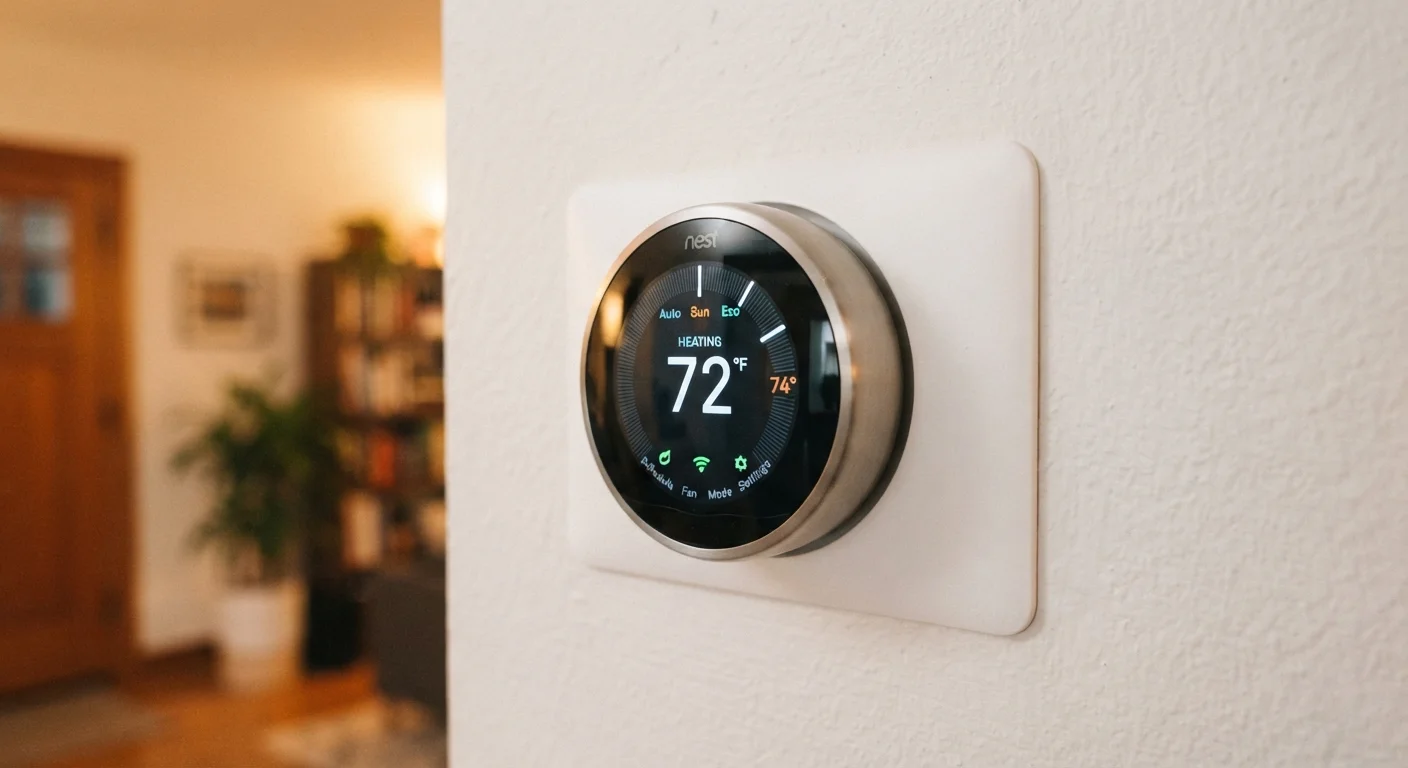
A thermostat setting that activates only the heating system. Cooling is disabled while this mode is selected.
Cool Mode
A thermostat setting that activates only the air conditioning. Heating is disabled while this mode is selected.
Auto Mode
Allows the thermostat to automatically switch between heating and cooling to maintain a desired temperature range without manual switching.
Fan: Auto
A blower fan setting that runs only during active heating or cooling cycles, stopping once the set point is reached. Generally the more energy-efficient choice.
Fan: On
A blower fan setting that keeps the fan running continuously, independent of whether the system is heating or cooling.
Hold / Vacation Mode
A thermostat feature that overrides the programmed schedule and maintains a single set temperature until the hold is cancelled.
Emergency Heat (EM Heat)
A backup setting on heat pump thermostats that bypasses the primary heat pump and uses electric resistance heating instead. Only for use in emergencies or as directed by an HVAC technician.
- HEAT
- Tells your system to run only the heating function. When the indoor temperature drops below your set point, the furnace or heat pump activates. Cooling is locked out entirely.
- COOL
- Activates only the air conditioning. The system runs when the indoor temperature rises above your set point. Useful in warmer months; irrelevant in winter.
- AUTO (or HEAT/COOL)
- Lets the thermostat automatically switch between heating and cooling as needed to maintain a target temperature range. This is the most efficient option for moderate climates or shoulder seasons.
- OFF
- Neither heating nor cooling runs. Some thermostats show "EM HEAT" (emergency heat) as a separate mode — this bypasses a heat pump's primary function and relies on backup electric resistance heating. Use it only when directed by an HVAC professional.
For a broader look at how these heating modes connect to your actual heating equipment, see our plain-language heating systems guide.
Fan Settings: 'Auto' vs. 'On'
Separate from the mode setting, your thermostat also controls the blower fan. This is one of the most commonly misunderstood options.
| Recommended fan default | AUTO |
| Typical daily schedule blocks | 4 (Wake, Leave, Return, Sleep) |
| Temperature setback range | 7–10°F for 8+ hours (U.S. Department of Energy general guidance) |
| HEAT mode locks out | Cooling function |
| COOL mode locks out | Heating function |
| AUTO mode manages | Both heating and cooling automatically |
AUTO means the fan runs only while the heating or cooling cycle is active. Once the set temperature is reached, the fan stops. This is the recommended default setting for most homes — it uses less electricity and prevents unnecessary air circulation when conditioning isn't needed.
ON keeps the fan running continuously, regardless of whether heating or cooling is active. Some homeowners prefer this for more even air distribution, but it increases electricity use and can pull unconditioned air through the ducts if the system isn't actively heating or cooling.
General guidance: Keep the fan set to AUTO unless a contractor has specifically recommended continuous circulation for air quality or humidity reasons. If indoor humidity management is a concern, see our article on managing indoor humidity levels.
Temperature Schedules and How to Use Them
Programmable and smart thermostats allow you to set different temperatures for different times of day. A typical schedule uses four daily time blocks:
- Wake — temperature rises before you get up
- Leave — temperature adjusts when the home is empty
- Return — comfort restored before you arrive home
- Sleep — a slightly cooler setting overnight
Setting back the temperature by 7–10°F for eight hours a day while away or asleep is a commonly cited energy-saving practice, though actual savings will vary depending on your home's insulation, climate, and heating equipment type.
If your thermostat has a Hold or Vacation function, this overrides the schedule and keeps one temperature constant — helpful when your routine changes but you don't want to reprogram the full schedule.
For a deeper understanding of how your heating system responds to these signals, our complete home heating guide covers the full picture. And if you use your system for cooling as well, the air conditioning basics article explains how AC systems respond to thermostat commands.
This article is for informational purposes only. HVAC settings and energy outcomes vary by home, climate, and equipment. Consult a licensed HVAC professional for advice specific to your system.