15 Hidden Samsung Watch Hacks Users Must Know
shopping

15 Hidden Samsung Watch Hacks Users Must Know

Smartwatches have gained immense popularity in recent years. The latest models can perform tasks like tracking fitness, answering calls, and scrolling through an in-built gallery. While several options are available, Samsung’s Galaxy Watch5 and Watch6 are among the most well-known. Users appreciate their Bixby smart assistant and intuitive interface. However, these wearables also have other advanced features. Here are 15 hidden Samsung watch hacks people typically do not know about. 1. Customize the watch face The Samsung Watch6 is equipped with several dozen pre-made watch faces. However, if someone doesn’t like these, they can download third-party applications and get new ones. Users can also customize the clock font, color, layout, and more via the Galaxy Wearable app. 2. Adjust the screen timeout interval By default, the Samsung Watch6’s display turns off after 15 seconds of inactivity. However, users can change the screen timeout to suit their needs. For instance, one can change it to 30 seconds or a minute. It’s also possible to keep the display running at all times by accessing the “Always On” feature. 3. Activate health tracking Users can switch on the health tracking features via the Samsung Health Monitor app on their cell phones. One can choose to monitor heart rate, stress levels, blood oxygen during sleep, snore detection, skin temperature during sleep, and more.
15 Hidden Apple Watch Hacks Users Don’t Know About
apple watch

15 Hidden Apple Watch Hacks Users Don’t Know About

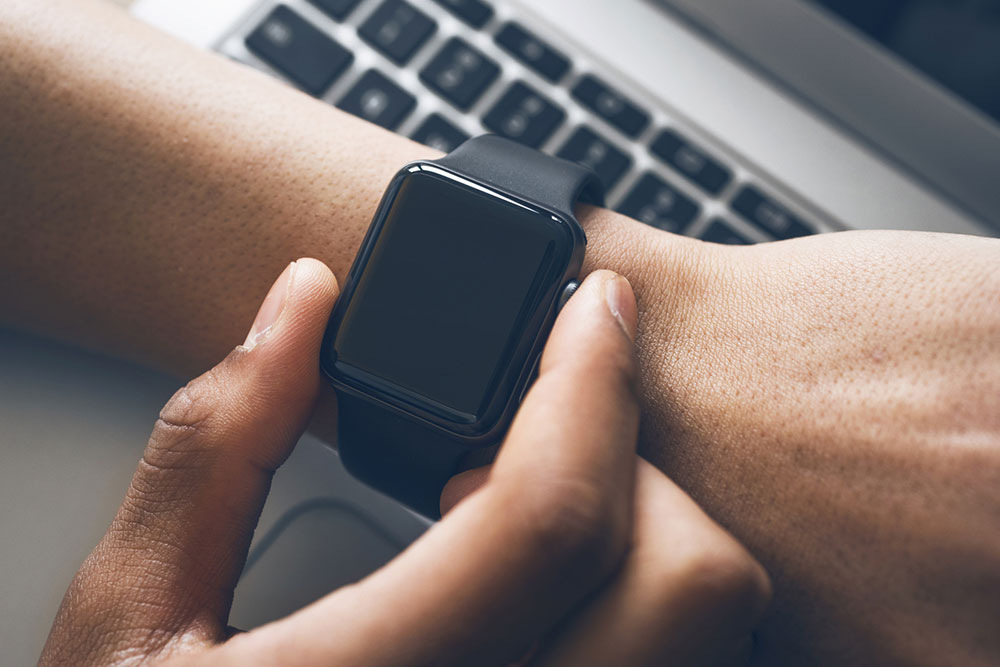
Smartwatch technology has transformed dramatically in the last few years. Users can now carry out most smartphone functions without having to touch their phones. The Apple Watch has been instrumental in leading this revolution, and the latest Apple Watch Series 8 and Series 9 are a testament to this. This article enlists 15 hidden Apple Watch features and hacks many people still do not know about so they can make the most of their purchase. 1. Turn on Focus mode The Apple Watch is equipped with a special Focus mode that silences all notifications or distractions that may hamper one’s productivity or sleep. This can be activated from the Settings menu on the watch. Scroll down to open the ‘Focus’ app and set up ‘Do Not Disturb’ and ‘Sleep’ profiles. These can also be mirrored on one’s iPhone. 2. Cover to Mute This feature may be extremely helpful for users who have enabled voice/sound notifications on their watch. One can cover the display with their palm to mute or silence notifications. This can be set up via the Apple Watch app on one’s iPhone. Go to My Watch, and look for Sounds & Haptics. Then, select Cover to Mute. 3.
6 Ways to Improve Google Pixel User Experience
Smartphones

6 Ways to Improve Google Pixel User Experience

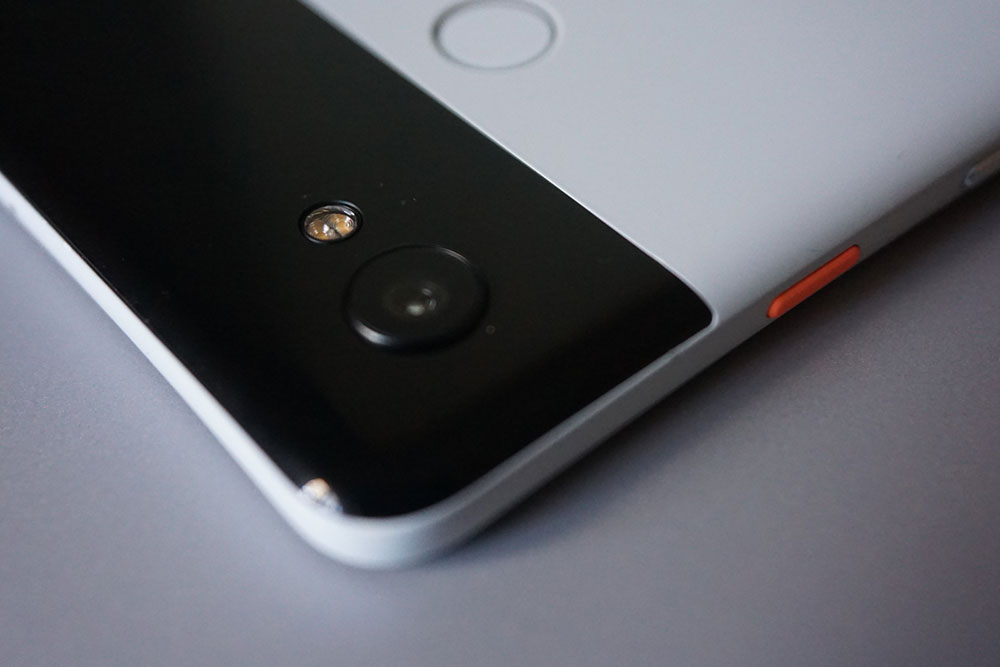
Google launched its first-ever Pixel smartphone back in 2016. Earlier, Google had collaborated with other manufacturers for the hardware of its previous phones known as Nexus. With Pixel, Google started using its own hardware as well as software. Moreover, the series of Pixel phones has stood out with a number of exceptional features that are difficult to find in other Android phones. For Pixel owners, there are several ways to use the phone and experience better. Tips and tricks to get the most out of Pixel phones The latest phones, such as Google Pixel 8, Google Pixel 8 Pro, and Google Pixel Fold, have a lot of advanced features that take the Pixel experience to the next level. But it is not necessary to upgrade to a new Google Pixel with every release to get the best out of the phone. These tips and tricks work well with older models, such as the Google Pixel 7 and Google Pixel 7 Pro. However, the older Pixel phones may require software updates. Whether one has a newer Pixel or an older model, here are some ways to make the best use of the features provided by the brand, improving user experience. 1.
8 Apple Vision Pro Features One Cannot Miss
Tech

8 Apple Vision Pro Features One Cannot Miss

Apple has always been at the forefront of technological innovations. Their latest pursuit of cutting-edge products has resulted in the development of the Apple Vision Pro, a headset that provides an immersive experience. This mixed-reality headset has changed how one interacts with one’s digital content. Here are some of the impressive features of Apple Vision Pro and what one can expect from the upcoming sales season if one wants to try out the headset. How does Apple Vision Pro headset work? The Apple Vision Pro headset boasts an impressive display that seamlessly blends augmented reality (AR) and virtual reality (VR) and provides high-resolution visuals of one’s surroundings. The screen placed on the inside of the device displays one’s surroundings, which are captured by sensors on the outside. Upon wearing the Vision Pro headset and activating it, users will have access to their apps displayed on the screen. In terms of functionality, it comes with customizable straps that wrap around the head to block out light. The device also involves numerous elements for proper fitting, such as multiple head straps, various sizes of light seals, and specialized options for those who wear lenses. Key features to look forward to Spatial computing Spatial computing merges the digital and physical worlds to enhance how people interact with computers.
4 AirPods Deals Most Users Might Overlook
airpods

4 AirPods Deals Most Users Might Overlook

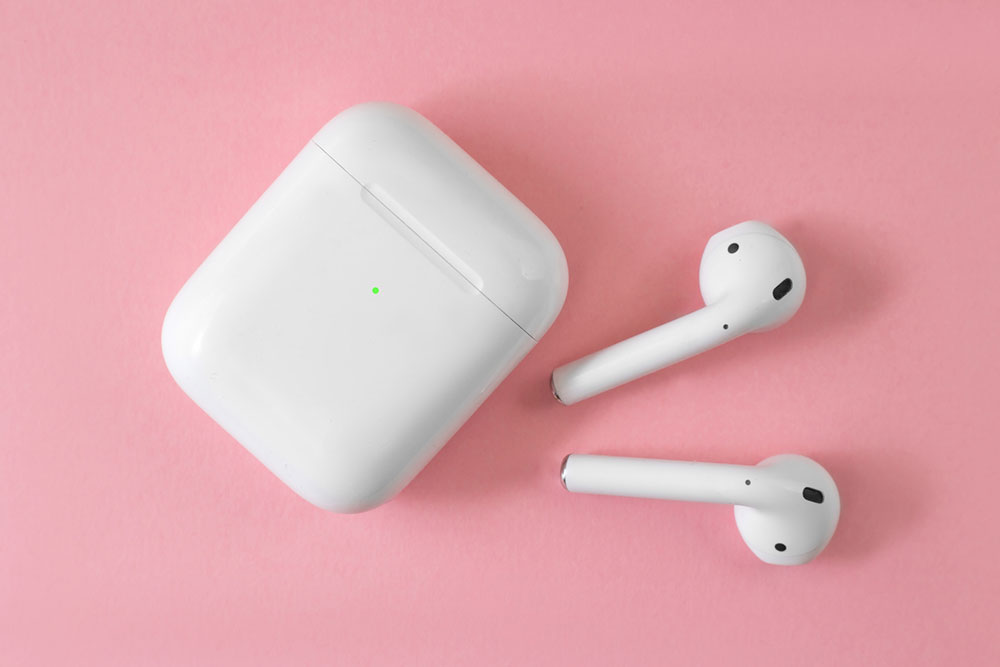
Apple’s AirPods are one of the top products for entertainment and communication among other earbuds in the market today. But their high price point may deter some people from purchasing them. However, there are several subtle ways that one could pick up a pair of AirPods from Apple for a lower price or with additional perks. While the deals below are lesser-known and may look secretive, they are available to each user who makes a purchase. AirPods Pro 2nd Generation (USB-C) The second-generation AirPods are the top true wireless earphones for Apple users for a suite of reasons. The latest product has swapped out Apple’s proprietary Lighting port for a standard USB-C port, which makes charging a lot more accessible. Apple’s H2 chip in the earbuds contains twice as many transistors as its predecessor, which allows better power efficiency. For example, a single charge could deliver up to six hours of battery life. The earbuds also offer a more stable listening experience and more effective ANC modes. Other features include its ability to pair with Apple Vision Pro to deliver Lossless Audio with ultra-low latency. Coming to the price of the newly launched product, one could purchase it on Apple’s website for about $250 or pay as low as $42 per month for 6 months with their financing offer.
13 Hidden MacBook Features to Try Today
Laptops

13 Hidden MacBook Features to Try Today

MacBooks offer a lot more than just a sleek exterior and sharp display. Some of its handy features are often overlooked, but once utilized can change the way users look at MacBooks and carry out daily tasks. Certain features can enhance users’ workflows, streamline tasks, and help them unlock new levels of efficiency. So, here are a few hidden features one should know to get the most out of their MacBook: 1. Spotlight Search Spotlight Search goes beyond the basic file search function. It allows users to quickly launch applications, perform calculations, and even find information from the web. By pressing Command + Spacebar, users can access Spotlight to look for relevant information and applications. In addition to its search capabilities, Spotlight can perform currency conversions, provide weather updates, and offer word definitions. 2. Multi-touch gestures The MacBook touchpad supports an array of gestures, providing an intuitive means to interact with the laptop interface. For instance, a three-finger swipe upward shows all open applications in Mission Control, while a four-finger swipe to the left or right allows users to switch between desktops seamlessly. Familiarizing oneself with these gestures can significantly enhance navigation speed and efficiency. 3. Customizable trackpad options By clicking on System Preferences > Trackpad or Mouse > More Gestures, one can find a plethora of customization options.
7 commons signs of lung congestion
health

7 commons signs of lung congestion

Chest or lung congestion often occurs due to a common cold. Sometimes, an underlying medical condition like bronchitis, COPD, and so on can also cause persistent lung congestion. Additionally, excess fluids, such as mucus, can accumulate in the lungs, adding to the congestion. This also causes swelling of the lungs along with constriction of the airflow, which makes breathing difficult. Therefore, it is imperative to look at the signs and manage them through treatment options. Signs of congestion in lungs An affected person may experience: A hacking cough with clear, green, or dark yellow mucus A feeling of tightness in the chest A sore throat Constant body aches and frequent chills A persistent headache High fever that may last for a few days Shortness of breath or wheezing Most of the symptoms of chest congestion usually subside within a few days. However, the cough may persist for a couple of weeks as the bronchial tubes complete their healing process. If the cough lasts for more than 14 days, it is advisable to consult a doctor at the earliest. This sign might be an indicator of other serious health conditions, such as pneumonia. Tips for managing the signs of lung congestion In most cases, lung congestion can be effectively treated by rest and waiting for the virus to clear.
6 Expected Upgrades of the Samsung Galaxy S24 Series
Smartphones

6 Expected Upgrades of the Samsung Galaxy S24 Series

The current buzz around the Samsung Galaxy S24 series has left tech enthusiasts and smartphone fans eagerly waiting to witness the big leap in mobile innovation. The Galaxy S23 series outperformed its predecessor, S22, in terms of sales and customer satisfaction by introducing modernized features to the smartphone market. In this article, let’s explore the upcoming changes expected in the Galaxy S24 series, including the Galaxy S24 Plus and Galaxy S24 Ultra. Expected release date On the basis of past trends, Samsung is expected to launch its Galaxy S24 series in late January or early February 2024. 1. Designs and display Even without undergoing a significant redesign, Samsung has maintained a reputation for having a design aesthetic that is both sleek and current for a long time. It is expected that the brand will continue with the premium design it has provided for its flagship products over several years. The LTPO technology is expected to be featured in the Galaxy S24, Plus, resulting in higher-quality screens. This technology can adjust the refresh rate dynamically, increasing battery efficiency. The Galaxy S24 Ultra may also get an increased brightness display of 2,200 nits, an upgrade from its predecessor (1,750 nits). 2. The price and availability For the past few years, Samsung has preserved the same price point for the Galaxy S series.
6 Key Features of the iPhone 14 Series
shopping

6 Key Features of the iPhone 14 Series

Although Apple launched the iPhone 15, its predecessor, the iPhone 14, is still worth considering for those looking to bring home a new smartphone today. The iPhone 14 series has four brilliant models, each offering powerful performance, quality cameras, great design, and several other features that come in handy. This brief guide lists the best features of the iPhone 14 to help customers decide whether it’s suitable for their needs. Features of the iPhone 14 series The iPhone 14 series comprises the iPhone 14, iPhone 14 Plus, iPhone 14 Pro, and iPhone 14 Pro Max. While each model is great, customers must understand that their features differ, especially between the base and Pro models. Hence, one must assess their needs and research well before choosing. It also helps to know that Apple no longer sells the Pro and Pro Max variants on its website, and one must visit authorized retailers or carriers to get them. Below are the key specs and features of the iPhone 14 series: 1. New A16 Bionic chip Processors play an essential role in determining a phone’s performance. The better the processor, the more efficient the device. While Apple’s iPhone 14 and iPhone 14 Plus retain the older A15 Bionic processor, the Pro and Pro Max variants have a new A16 Bionic chip, which improves the camera performance and increases processing speed.
Top 7 Things to Know About iPhone 15
Smartphones

Top 7 Things to Know About iPhone 15

It is time to discuss Apple’s latest launch, the iPhone 15. Unveiled at the 2023 Apple event, the iPhone 15 comes with design and performance upgrades to elevate the user experience and keep up with some of the changes in smartphone technology. The highly anticipated smartphone is worth exploring to understand how it stands out among the previous generation iPhones. So, here is a look at some of the key features of the iPhone 15: 1. Availability All four models in the lineup: the base iPhone 15, iPhone 15 Plus, iPhone 15 Pro, and iPhone 15 Pro Max are available for purchase at the moment. One can find the phones on the Apple website, top retail platforms, and network carrier websites. 2. Price In the country, the starting price for the iPhone 15 is $799, while the iPhone Plus starts at $899. The base storage variants of the Pro and Pro Max models are priced at $999 and $1,099, respectively. This does not come as a surprise since the prices of new iPhones in the country have more or less been consistent since 2017. However, one can make the most of Apple’s trade-in deals and save money on their purchase by exchanging an older iPhone.

Top Articles

10 exciting 2022 Black Friday deals on smart home devices
Home & Garden

10 exciting 2022 Black Friday deals on smart home devices

Smart devices are indispensable gadgets in homes that make people’s lives as hassle-free as possible. However, these products can be expensive, so big shopping events make for the perfect opportunities to get these devices for your home. One such event, Black Friday, is just around the corner, wherein brands offer attractive discounts on smart home devices. So here are 10 Black Friday deals on smart home devices that you can check out this shopping season: Google Nest Cam Outdoor This device is weather resistant, making the camera suitable for outdoor installation with an internal battery that eradicates the hassles of running on wires while connected to Google Assistant. Additionally, a 1080p sensor with night vision makes it an excellent purchase to monitor your front and back yards. You can get a pack of two latest Nest Cam Outdoors by Google at a discount of over $100. Echo Show 10 Save up to $50 on this latest Echo Show Alexa Smart Display version, which comes with a 10.1-inch screen, the ability to follow the owner on video calls, and many more exciting features. Aqua Smart Water Controller by Eve Launched in early August, expect lucrative offers on this latest addition to the Eve family.
Top 10 Black Friday offers on home security systems
Home & Garden

Top 10 Black Friday offers on home security systems

With the most extensive sales extravaganza of the year just a few months away, ardent shoppers are bound to be excited. This is the time when the customers can shop in bulk and still save big. Thus, there can be no more perfect time than Black Friday sales to purchase home security essentials. To help narrow down a wide range of options, here is a list of the top ten Black Friday home security deals. Best 2022 Black Friday home security deals Abode For the past few years, Abode has given some incredibly lucrative offers on the Black Friday sales event. From 2018 to 2021, it introduced some significant price cuts in its security system components, cameras, and starter kits. For instance, the Abode Iota Security Kit saw a price drop of more than $100 last year, and the established trend is expected to continue this year as well. ADT Usually, ADT lays out discount offers of up to 10 percent off sitewide on Black Friday. However, in the past few years, it has given out a free security camera and a cut of $100 on professional installation. This is actually good, as ADT’s classic security system does require a professional installation.
5 things to avoid during power outages
Home & Garden

5 things to avoid during power outages

Natural events, such as the ongoing Hurricane Ian in Florida, frequently cause power outages in nearby regions. So, while you prepare for such natural events in conventional ways such as stocking up supplies, using warm clothes, and maintaining communication with the respective authorities for informational clarity, it is easy to look past the necessary do’s and don’ts that need to be followed during an outage. Here are some things to avoid during power outages: Using excessive candles Candles have always been extremely dangerous during outages. During an outage, the visibility is lower than usual, especially during the evening. Therefore, the possibility of pets, kids, or even grown-ups walking around and unintentionally knocking down the candles is always there. To avoid the ensuing fire and damage that may follow, avoiding candles is one of the key things to avoid during an electrical failure. If candle usage is unavoidable, then make use of a few candles, or opt for battery-operated ones in emergencies. Leaving the fridge door open Normally, leaving the fridge door open causes more power consumption, but in the absence of power, it results in the spoilage of items stored within. Leaving the fridge door open causes the cold air within it to escape.
8 essential safety tips for living alone
Home & Garden

8 essential safety tips for living alone

Moving out for work or college can be an exciting and novel adventure, but it can also be daunting. Living alone offers a great deal of freedom, from selecting dinner to decorating, but it also comes with a great deal of responsibility for personal and home security. It’s critical to be aware of all the tips and tricks while living alone to make the experience positive and sustainable. Here are a few safety tips. Safety inspection before moving in Make sure to conduct a thorough safety inspection of the apartment before moving in. Ensure your entrance points are secure, the walkways are well-lit, and your door is made of solid wood or metal. Also, enquire about your neighbors and the surrounding area. Adopt daily safety behaviors Create a daily safety routine or checklist to ensure that all safety precautions are followed. Close your blinds at night, lock any windows and doors, turn on outdoor lights when it gets dark, and bring in your trash and mail during the day. Upgrade the security system Improve your security system to keep an eye on your entire house while you’re away. Install motion sensor lighting and a security system with alarms that turns on when a window or door is opened from the outside.
Top 3 liquid laundry detergents to consider buying
Home & Garden

Top 3 liquid laundry detergents to consider buying

A good laundry detergent of any kind—liquid, pods, powder, or sheets—gives users stain- and odor-free clothes. However, not all products have the same formula, so some detergents may not be able to remove stubborn stains while retaining the color of clothes. So, one must always buy reliable detergents that work for all kinds of loads. The best laundry liquid detergents can remove stains and brighten clothes. So, here are the top options to consider buying: Gain Original Liquid Laundry Detergent Plus Aroma Boost This liquid laundry detergent is at the top of the list due to its best-in-class stain removal. It also has a sweet-smelling formula that leaves clothes looking and smelling incredibly fresh. If one is looking for a liquid detergent that can remove stubborn chocolate stains and whiten clothes, then this Gain product is the best choice. Clorox 2 Stain Remover and Color Booster Besides removing stubborn and everyday stains, this liquid laundry detergent brightens colored clothes, making them look brand new and fresh for a long time. Further, Clorox 2 comes with a special formula that can remove 50% more stains, making it easier to eliminate persistent stains on the clothes. Additionally, this Clorox liquid detergent is safe for all loads and can also be used in both standard and high-efficiency washing machines.
6 decluttering mistakes to avoid
Home & Garden

6 decluttering mistakes to avoid

Many people make a point of decluttering the house regularly to create more space and simplify their lives. A clutter-free space saves time, boosts mood, improves focus and productivity, and enhances mental well-being. But decluttering the home can sometimes be a daunting task that can also end up causing more stress. Here are a few common decluttering mistakes that may stop you from enjoying the process and benefits of a clutter-free home. Starting without a plan Setting clear goals before starting to declutter your space can save time. For example, you can decide to tackle a section of a room at a time, purchase organizers of the right size, or call up cleaning or pest control services before beginning. Not setting realistic expectations You must set achievable targets that align with your schedule and capacity. Trying to do too much quickly or even over a weekend can lead to burnout and frustration. Decluttering for others without involving them Always respect the opinions of others in the house and involve them in the task. Discarding someone’s belongings without asking them may lead to arguments or build up resentment. By working together and finding common ground, you can create a clutter-free space everyone is happy with.