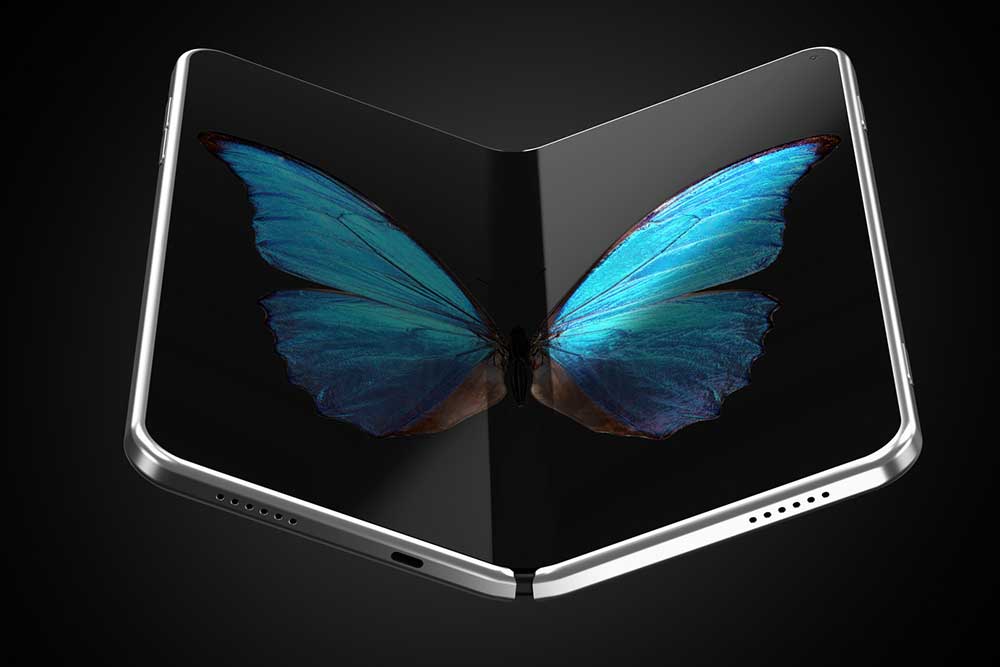
All About the New Samsung Galaxy Z Fold Phones
shopping

All About the New Samsung Galaxy Z Fold Phones

Samsung is among the market leaders in foldable phones. Its flagship range, the Galaxy Z Fold series, has gained immense popularity with a superior design and high-end features. The Galaxy Z Fold5 is the newest model in the lineup, succeeding the Galaxy Z Fold4. It has several adjustments that make it better. Below, we have quickly discussed the features of the Fold4 and Fold5 to help customers choose the correct variant for their needs. 1. Design Samsung has made a few design changes to its newest model in the Fold series. For instance, the Fold5 (8.92 oz.) is slightly lighter than the Fold4 (9.28 oz.). It’s also slimmer at 0.53 inches wide. However, the primary and much-anticipated design change is a new hinge that allows the device to close flat, making it appear more professional. The Fold4 had a tiny gap when folded, which could allow dirt to enter. When buying Samsung’s new foldable phones, customers can choose from several body colors. The Fold4 is available in Gray Green, Phantom Black, Burgundy, and Beige, while the Fold5 ships in Icy Blue, Phantom Black, Cream Gray, or Blue. 2. Display Both models share many similarities, such as a 7.6-inch inner screen, 6.2-inch outer screen, 2176 x 1812 resolution, and 120 Hz refresh rate. However, the Fold5’s inner panel offers a higher peak brightness of 1,750 nits, which is more than 30% brighter.

11 Tips to Improve the Samsung Galaxy S23 Experience
shopping

11 Tips to Improve the Samsung Galaxy S23 Experience

Samsung focuses on refinement, evident from the pocket-sized Samsung Galaxy S23 Plus to the top-of-the-line Samsung Galaxy S23 Ultra. This article lists a few Samsung Galaxy S23 tips and tricks to improve the user experience. Starting with the most recent version of Android 13, of course, would be the best course of action to enhance the user experience. Samsung has been releasing updates to enhance functionality and performance since the initial launch of these three smartphones. 1. Get the Samsung Galaxy S23 phone case After purchasing the new Samsung Galaxy S23 Plus or Samsung Galaxy S23 Ultra, obtaining a protective case to protect the device should be one’s first move. Despite the durability of Samsung’s Gorilla Glass Victus 2, accidents can happen. The phone case acts as an extra layer of protection. 2. Modify the lock screen The updated lock screen is one of the most noticeable improvements to the Galaxy S23 user interface. Sure, Goodlock customers always had access to many of these capabilities, but Samsung has made many of them easier to use by incorporating them into the main One UI 5.1 experience. Samsung gives users many options for personalizing the lock screen, whether through the clock, where they can alter the style and font and even accessorize with widgets featuring lots of graphics or adjust how alerts are shown.
6 Easy Ways to Limit Data Usage and Avoid Overage Charges
Internet

6 Easy Ways to Limit Data Usage and Avoid Overage Charges

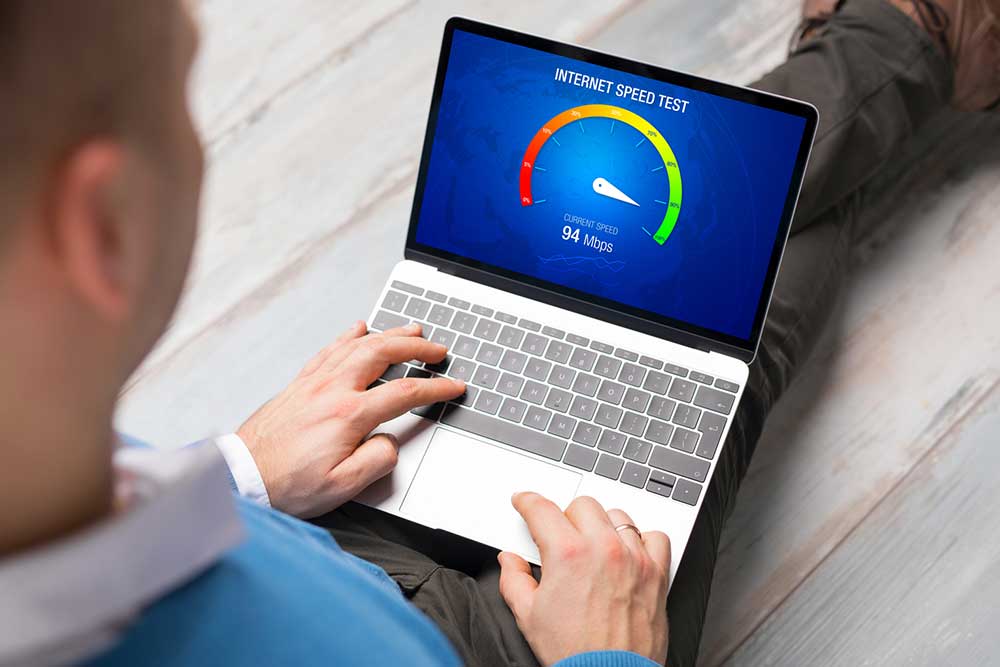
Phone bills could come with additional charges one did not expect, especially if the mobile data usage exceeds the plan limits. Also known as overage charges, they are usually brought on by unmonitored data usage or a plan that offers inadequate monthly data allowance. So, one can limit additional charges by making a few changes to their internet usage habits. To help one get started, here are a few ways to avoid data overage charges: 1. Monitor data usage Smartphones come with a built-in data monitor to track daily and monthly internet usage. Not only can users track how much internet they use on their phones or other devices, they can also check which applications take up the most data to function. Based on this data, users can be conscious about which applications should be run on home Wi-Fi and not on data. Further, tracking data usage helps users determine if their monthly plan can adequately meet their internet needs.  2. Manage phone applications Certain apps constantly update or refresh themselves. So, while multitasking on a smartphone using mobile data, one may end up using more data than one expects. It is important to review app permissions and settings to disable all unnecessary actions that consume excessive data.
5 Tips to Maintain Eye Health
health

5 Tips to Maintain Eye Health

The eyes can accomplish amazing things. They process information using a complex mechanism that establishes a direct connection with the brain, allowing individuals to process the world around them visually. One would be surprised to know that many people don’t take eye health seriously! People who don’t think they have a vision problem seldom get routine exams with an ophthalmologist or optometrist, which can deteriorate their eye health. Here are some ways to maintain eye health: Ways to maintain eye health From the moment one wakes up until the moment they go to sleep, how they navigate their day and enjoy life is greatly influenced by their eyes. Following these suggestions will help one maintain the health of their eyes and safeguard their vision. 1. Defend the eyes from UV light’s harmful effects A condition known as photokeratitis, which resembles sunburn, can result from prolonged exposure to the sun’s UV rays. The eyes can become swollen, irritated, and red from this, which can be extremely painful. After 6 to 12 hours of exposure, photokeratitis symptoms, which are an inflammation of the cornea’s outer layer, usually appear. However, the harmful effects of ultraviolet (UV) radiation build up over time, and the risk of developing cataracts and other age-related conditions rises noticeably.
6 Budget Tablets Under $100 and 9 Premium Tablets to Consider in 2023
shopping

6 Budget Tablets Under $100 and 9 Premium Tablets to Consider in 2023

Tablets have become essential to our daily lives and are used by professionals, students, and everyday users. They provide a compact and convenient alternative to bulky laptops. However, selecting the right tablet that meets one’s requirements and budget can be challenging. Despite this, several fantastic options are available, even for those with a tight budget. Below is a list of budget tablets under $100 and some premium tablets. So, read on to know more. Best tablets under $100 for 2023 1. TCL TAB 10s Walmart offers the TCL TAB 10s Android 11 tablet for just $99.99. This device features a stunning 1200 x 1920 full HD display with a 10.1-inch widescreen and a powerful built-in 8000 mAh battery that provides an immersive streaming experience. With the TCL TAB 10s, one can enjoy rapid processing thanks to its octa-core chipset. 2. Android 12 Tablet The Android 12 Tablet, Blackview Tab 7, is a 10-inch tablet with a sleek design with 64GB of storage and 3GB of RAM, making it great for apps and storage space. It runs on a Quad Core processor for smooth performance and has a long-lasting 6580mAh battery for extended use. It’s Google GMS certified, ensuring one can seamlessly access and use various Android apps and services.
15 Hidden Apple Watch Hacks to Try Today
shopping

15 Hidden Apple Watch Hacks to Try Today

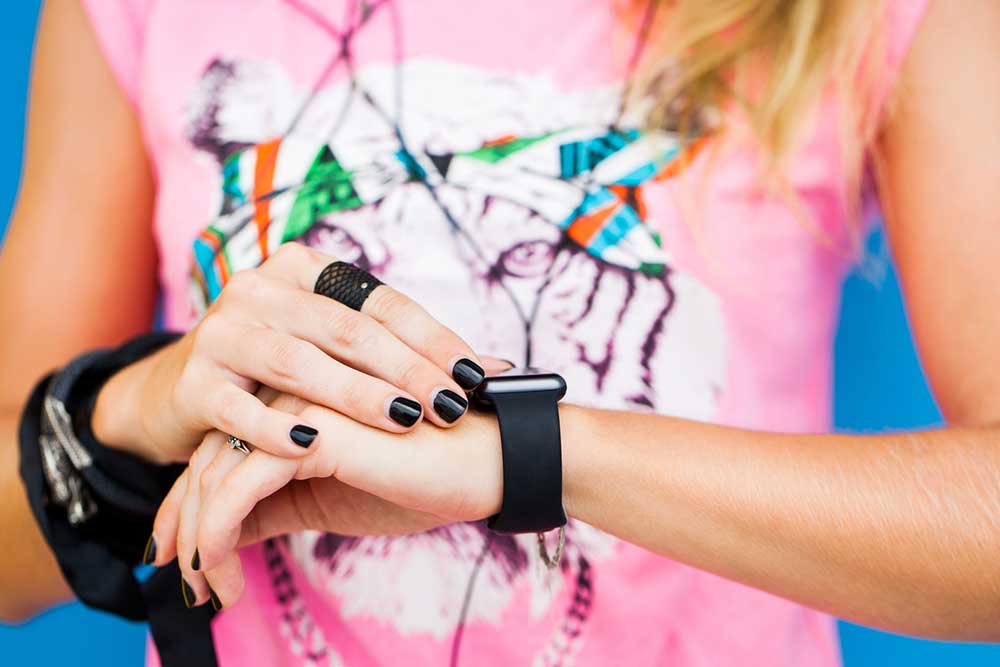
Wearable technology has witnessed significant advancements in recent years, helping users keep track of their health, fitness, and daily tasks. Apple, in particular, has ensured that its smartwatch series does more than just show time or check heartbeat. Apple smartwatches come with some extremely handy features that often go unnoticed by users. So, here are some hidden yet amazing Apple Watch hacks that can help one get the most out of the smart wearable: 1. Enable Taptic Time Taptic Time helps users tell the time on their Apple Watch through vibrations without even glancing at their watch. This feature is especially useful for visually impaired users. To experience the Taptic Time, one can simply place two fingers down on the watch face, and the device responds with a series of gentle vibrations to convey the exact time. For instance, if it is 25 minutes past 2, the watch will provide two quick vibrations, followed by another two vibrations (indicating 20 minutes), and then five vibrations (making it 25). 2. Set the clock forward This feature allows users to advance their watch’s time by a few minutes, up to an hour. This is useful for those who tend to run late or want to improve punctuality.
15 Lesser Known Samsung Smartwatch Hacks
Smart Watches

15 Lesser Known Samsung Smartwatch Hacks

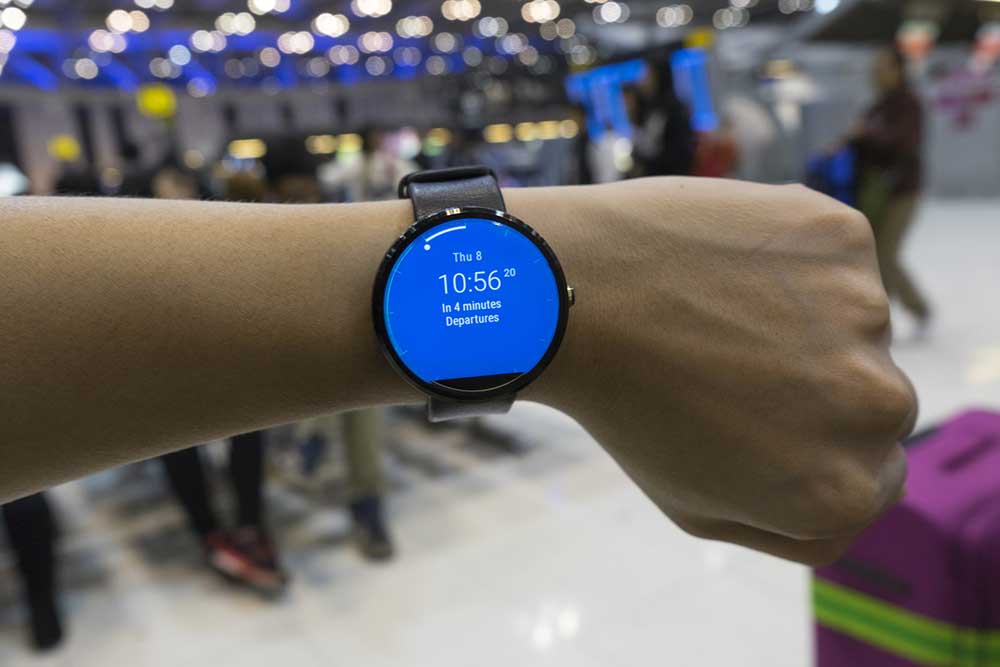
For all the smartwatch enthusiasts, the Galaxy Watches from Samsung is one of the best options available. There is much to unpack, including excellent build quality, feature-rich software, and impressive health-regulating applications with options like blood pressure monitoring and body composition analysis. If one is a Galaxy Watch 5 or Galaxy Watch 6 owner, learning its secrets and knowing some hacks will help one use it to the fullest extent possible with ease. 15 hidden Samsung Smartwatch hacks The Galaxy watches, along with showing the time, offer a variety of features that make one’s daily life tech-savvy and organized. One can use these features to unleash the true power of one’s Samsung watch. Get a temperature reading This feature is available only on the Galaxy Watch 6, where one can use one’s smartwatch to check the temperature of objects nearby. Although the Galaxy Watch 6 doesn’t track temperature for health purposes, one can test the temperature by submerging it in water or pointing it at surfaces. To use this feature, click the thermometer icon from the app’s menu. One will also need to remove the watch from one’s wrist. To measure the temperature of water, one will need to submerge the watch, whereas living things allow one to point the watch at them to estimate their temperatures.
9 Ways to Enhance One’s Google Pixel Experience
google pixel

9 Ways to Enhance One’s Google Pixel Experience

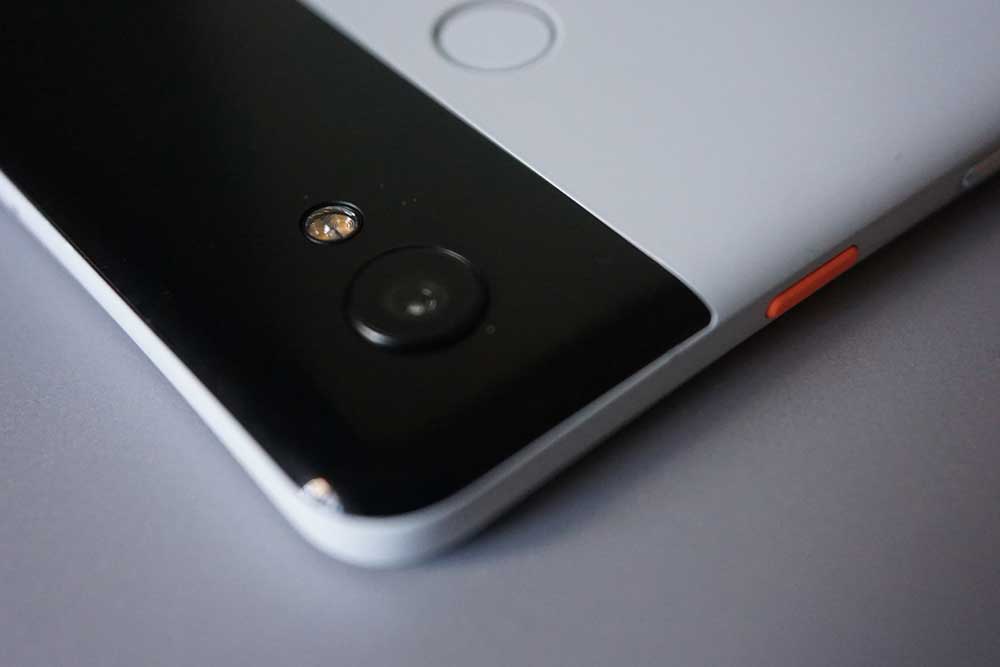
Smartphone technology has advanced by leaps and bounds, and it can often be tough to keep tabs on new and emerging features. From smart assistance and enhanced security to multitasking abilities and quicker camera control, the Google Pixel series has several out-of-sight features that are waiting to be uncovered. This article explores nine different ways in which users can customize their devices for a better experience with their Google Pixel. Use Night Light to give the eyes a break The Night Light feature on the Google Pixel is ideal for users who use their phones in the dark. It reduces the stress on one’s eyes by turning the screen to a light amber color. This makes it easier for the eyes to adapt to the bright light emanating from the phone and may even reduce the impact of phone light on one’s sleep cycle. Users can change Display settings for the Night Light feature to turn on and off automatically. Create an exciting new wallpaper with AI With the Pixel 4a and all successor Pixel phones, users can create a personalized wallpaper emoji with their choice of emoticon combinations, colors, and patterns. The Google Pixel 6 and all subsequent phones offer users the ability to create cinematic wallpapers that use machine learning to make photos come alive every time users unlock and tilt their phones.
6 Dyson Vacuum Cleaners to Consider Buying this Black Friday
shopping

6 Dyson Vacuum Cleaners to Consider Buying this Black Friday

Black Friday is just around the corner, and while shoppers are anticipating some great discounts on Dyson products, it is important to remember that deals can be quite dynamic. Dyson vacuum cleaners are often in high demand, and some of the most popular models may sell out quickly, while others might have limited availability. To help navigate the Black Friday frenzy, here are 6 Dyson vacuum cleaner deals to expect during the shopping festival: Dyson Gen5detect Cordless Vacuum This cordless vacuum is suitable for deep cleaning and homes with pets. Dyson Gen5detect is powered by a top-of-the-line HEPA filtration system that captures 99.99% of particles as tiny as 0.1 microns. The vacuum includes a Fluffy Optic cleaner head that uncovers hidden dust and a Digital Motorbar cleaner head that automatically adjusts suction based on dust levels, all shown on a clear LCD screen. This vacuum runs for up to 70 minutes on a single charge, and it is easy to use with a one-button power control. It can also transform into a handheld cleaner with built-in tools. One can choose three power modes, a large dust bin, and washable filters for easy maintenance. It also comes with a 2-year warrant and a lifetime Dyson support.
Discover These 6 Hidden MacBook Features
Tech

Discover These 6 Hidden MacBook Features

Apple’s MacBook has been popular due to its seamless and minimalistic interface over the years. Consumers have shown an increased preference towards the device as the macOS has not changed much despite multiple updates. However, Apple has been adding several handy features to the OS. At times, many of these functions are overlooked by users. So, here are a few hidden MacBook features that could save a few clicks and make one’s workflow more productive. 1. Us e the emoji keyboard Just like on smartphones, the Mac also has an emoji keyboard. Whether one owns a Mac Pro or has built a workstation with a Mac Mini, the emoji keyboard can be activated in both. However, it is more complex than just pressing a button on the keyboard. Launching the emoji keyboard involves using a series of buttons and combinations. All that one has to do is simply memorize the combinations, which is easy if one uses emojis all the time. When the user wants to use an emoji in a conversation, email, or document, they can easily access it by pressing the Control, Command, and Space Bar keys together. This will prompt the emoji picker to appear on the screen, along with a search bar.

Top Articles

10 exciting 2022 Black Friday deals on smart home devices
Home & Garden

10 exciting 2022 Black Friday deals on smart home devices

Smart devices are indispensable gadgets in homes that make people’s lives as hassle-free as possible. However, these products can be expensive, so big shopping events make for the perfect opportunities to get these devices for your home. One such event, Black Friday, is just around the corner, wherein brands offer attractive discounts on smart home devices. So here are 10 Black Friday deals on smart home devices that you can check out this shopping season: Google Nest Cam Outdoor This device is weather resistant, making the camera suitable for outdoor installation with an internal battery that eradicates the hassles of running on wires while connected to Google Assistant. Additionally, a 1080p sensor with night vision makes it an excellent purchase to monitor your front and back yards. You can get a pack of two latest Nest Cam Outdoors by Google at a discount of over $100. Echo Show 10 Save up to $50 on this latest Echo Show Alexa Smart Display version, which comes with a 10.1-inch screen, the ability to follow the owner on video calls, and many more exciting features. Aqua Smart Water Controller by Eve Launched in early August, expect lucrative offers on this latest addition to the Eve family.
Top 10 Black Friday offers on home security systems
Home & Garden

Top 10 Black Friday offers on home security systems

With the most extensive sales extravaganza of the year just a few months away, ardent shoppers are bound to be excited. This is the time when the customers can shop in bulk and still save big. Thus, there can be no more perfect time than Black Friday sales to purchase home security essentials. To help narrow down a wide range of options, here is a list of the top ten Black Friday home security deals. Best 2022 Black Friday home security deals Abode For the past few years, Abode has given some incredibly lucrative offers on the Black Friday sales event. From 2018 to 2021, it introduced some significant price cuts in its security system components, cameras, and starter kits. For instance, the Abode Iota Security Kit saw a price drop of more than $100 last year, and the established trend is expected to continue this year as well. ADT Usually, ADT lays out discount offers of up to 10 percent off sitewide on Black Friday. However, in the past few years, it has given out a free security camera and a cut of $100 on professional installation. This is actually good, as ADT’s classic security system does require a professional installation.
5 things to avoid during power outages
Home & Garden

5 things to avoid during power outages

Natural events, such as the ongoing Hurricane Ian in Florida, frequently cause power outages in nearby regions. So, while you prepare for such natural events in conventional ways such as stocking up supplies, using warm clothes, and maintaining communication with the respective authorities for informational clarity, it is easy to look past the necessary do’s and don’ts that need to be followed during an outage. Here are some things to avoid during power outages: Using excessive candles Candles have always been extremely dangerous during outages. During an outage, the visibility is lower than usual, especially during the evening. Therefore, the possibility of pets, kids, or even grown-ups walking around and unintentionally knocking down the candles is always there. To avoid the ensuing fire and damage that may follow, avoiding candles is one of the key things to avoid during an electrical failure. If candle usage is unavoidable, then make use of a few candles, or opt for battery-operated ones in emergencies. Leaving the fridge door open Normally, leaving the fridge door open causes more power consumption, but in the absence of power, it results in the spoilage of items stored within. Leaving the fridge door open causes the cold air within it to escape.
8 essential safety tips for living alone
Home & Garden

8 essential safety tips for living alone

Moving out for work or college can be an exciting and novel adventure, but it can also be daunting. Living alone offers a great deal of freedom, from selecting dinner to decorating, but it also comes with a great deal of responsibility for personal and home security. It’s critical to be aware of all the tips and tricks while living alone to make the experience positive and sustainable. Here are a few safety tips. Safety inspection before moving in Make sure to conduct a thorough safety inspection of the apartment before moving in. Ensure your entrance points are secure, the walkways are well-lit, and your door is made of solid wood or metal. Also, enquire about your neighbors and the surrounding area. Adopt daily safety behaviors Create a daily safety routine or checklist to ensure that all safety precautions are followed. Close your blinds at night, lock any windows and doors, turn on outdoor lights when it gets dark, and bring in your trash and mail during the day. Upgrade the security system Improve your security system to keep an eye on your entire house while you’re away. Install motion sensor lighting and a security system with alarms that turns on when a window or door is opened from the outside.
Top 3 liquid laundry detergents to consider buying
Home & Garden

Top 3 liquid laundry detergents to consider buying

A good laundry detergent of any kind—liquid, pods, powder, or sheets—gives users stain- and odor-free clothes. However, not all products have the same formula, so some detergents may not be able to remove stubborn stains while retaining the color of clothes. So, one must always buy reliable detergents that work for all kinds of loads. The best laundry liquid detergents can remove stains and brighten clothes. So, here are the top options to consider buying: Gain Original Liquid Laundry Detergent Plus Aroma Boost This liquid laundry detergent is at the top of the list due to its best-in-class stain removal. It also has a sweet-smelling formula that leaves clothes looking and smelling incredibly fresh. If one is looking for a liquid detergent that can remove stubborn chocolate stains and whiten clothes, then this Gain product is the best choice. Clorox 2 Stain Remover and Color Booster Besides removing stubborn and everyday stains, this liquid laundry detergent brightens colored clothes, making them look brand new and fresh for a long time. Further, Clorox 2 comes with a special formula that can remove 50% more stains, making it easier to eliminate persistent stains on the clothes. Additionally, this Clorox liquid detergent is safe for all loads and can also be used in both standard and high-efficiency washing machines.
6 decluttering mistakes to avoid
Home & Garden

6 decluttering mistakes to avoid

Many people make a point of decluttering the house regularly to create more space and simplify their lives. A clutter-free space saves time, boosts mood, improves focus and productivity, and enhances mental well-being. But decluttering the home can sometimes be a daunting task that can also end up causing more stress. Here are a few common decluttering mistakes that may stop you from enjoying the process and benefits of a clutter-free home. Starting without a plan Setting clear goals before starting to declutter your space can save time. For example, you can decide to tackle a section of a room at a time, purchase organizers of the right size, or call up cleaning or pest control services before beginning. Not setting realistic expectations You must set achievable targets that align with your schedule and capacity. Trying to do too much quickly or even over a weekend can lead to burnout and frustration. Decluttering for others without involving them Always respect the opinions of others in the house and involve them in the task. Discarding someone’s belongings without asking them may lead to arguments or build up resentment. By working together and finding common ground, you can create a clutter-free space everyone is happy with.